AI LinkedIn Headshots
AI LinkedIn Headshots That Still Look Like You
Upload 4–10 recent photos and receive at least 35 polished professional images for LinkedIn, resumes and work profiles—without arranging a traditional photoshoot.
- At least 35 finished photos
- $34.99 USD once
- No physical photoshoot
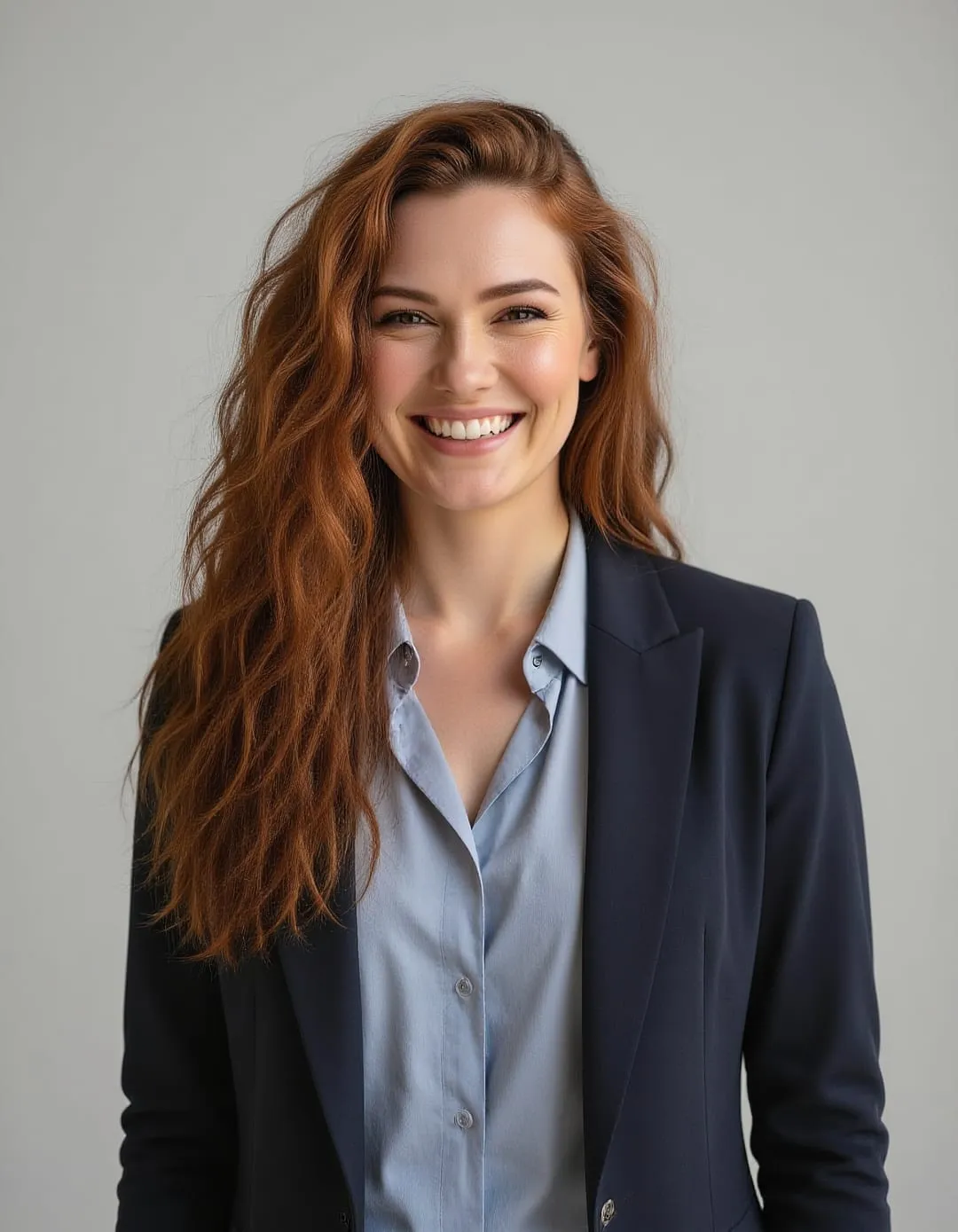
Sample results
Professional profile photos, with useful variety
Choose from approachable studio portraits, relaxed business settings and clean outdoor frames. Every image is designed to read clearly at profile-photo size.


Sample AI-generated results. Individual results vary based on the reference photos you provide.
What you get
A complete set for your professional profile
A LinkedIn photo has to work in a small circle, beside a headline and across desktop and mobile. This pack favors clear expressions, simple backgrounds and framing that keeps your face recognizable at thumbnail size.
The result is a versatile collection rather than one formal portrait: polished enough for work, approachable enough for the places where professional conversations actually happen.
At least 35 finished photos
A coordinated set with different expressions, outfits and professional settings.
Profile-ready framing
Head-and-shoulders compositions designed to hold up in square and circular crops.
Approachable direction
Professional portraits that feel credible and current without becoming overly formal.
Photography direction
Styles made for everyday professional use
The LinkedIn pack balances clean portraiture with enough environmental variety to give you options for different platforms.
- 01 Neutral studio portrait
- 02 Modern office
- 03 Soft-window-light headshot
- 04 Business casual
- 05 Outdoor professional
- 06 Clean architectural setting
- 07 Warm, approachable close-up
Made for a real use
Designed for a stronger professional profile
This pack is for anyone whose current profile photo feels dated, too casual, heavily cropped or inconsistent across professional channels.
- Job seekers
- Consultants
- Freelancers
- Team members
- Graduates
- Client-facing professionals
Where to use your LinkedIn headshots
- Resume or CV
- Company profile
- Slack or Teams
- Professional bio
- Speaker profile
- Portfolio
Simple from start to finish
How StudioGenie creates your photo pack
Professional photos without arranging a studio, photographer, wardrobe changes or locations.
- 01
Upload 4–10 photos
Choose clear, recent images with a useful mix of angles and expressions.
- 02
Choose LinkedIn Headshots
The pack supplies the photography direction, wardrobe and environments.
- 03
Receive at least 35 finished photos
Review the collection and choose the images that look most like you.
Reference photo guidance
Better inputs make more recognizable results
Use recent, unfiltered photos with your face fully visible. Include straight-on and slight side angles, a neutral expression and a natural smile.
For a LinkedIn-ready result, favor reference photos taken at eye level with even daylight. Avoid sunglasses, group crops, strong beauty filters and several near-identical selfies.
Read the complete reference-photo guide- Use recent, unfiltered photos
- Face even daylight when possible
- Include straight-on and slight side angles
- Show neutral and smiling expressions
- Keep your face sharp and unobstructed
- Avoid group crops, sunglasses and beauty filters
Choosing the right pack
AI headshots or a traditional photographer?
Both can produce a strong professional portrait. The right choice depends on whether you value a real photographed moment or a larger set of convenient variations.
Choose an AI headshot pack when…
You want multiple outfits and backgrounds, have good reference photos and do not need a specific real location or team portrait.
Choose a photographer when…
You need live posing direction, a real workplace, group photography, an identity document or a photograph of a specific event.
From the StudioGenie guide
Learn before you choose
LinkedIn Headshots FAQ
Questions before you create
How many LinkedIn headshots do I receive?
You receive at least 35 finished AI headshots in a range of professional settings, outfits and crops.
How many photos do I upload?
Upload 4–10 clear, recent reference photos. A varied set of angles and expressions gives StudioGenie a better view of your appearance.
Can I use the photos outside LinkedIn?
Yes. They can also work for resumes, company directories, professional biographies, Slack or Teams, speaker pages and portfolios.
Will the headshots still look like me?
The pack is built around your reference photos and aims to preserve your recognizable features. Results vary, so clear, current uploads are important.
Is this the same as the Executive Headshots pack?
No. LinkedIn Headshots are approachable and versatile for everyday professional profiles. Executive Headshots use more formal, polished and editorial photography direction.
Do I need a subscription?
No. The LinkedIn Headshots pack is a one-time $34.99 USD purchase.
More ways to create
Explore other StudioGenie photo packs

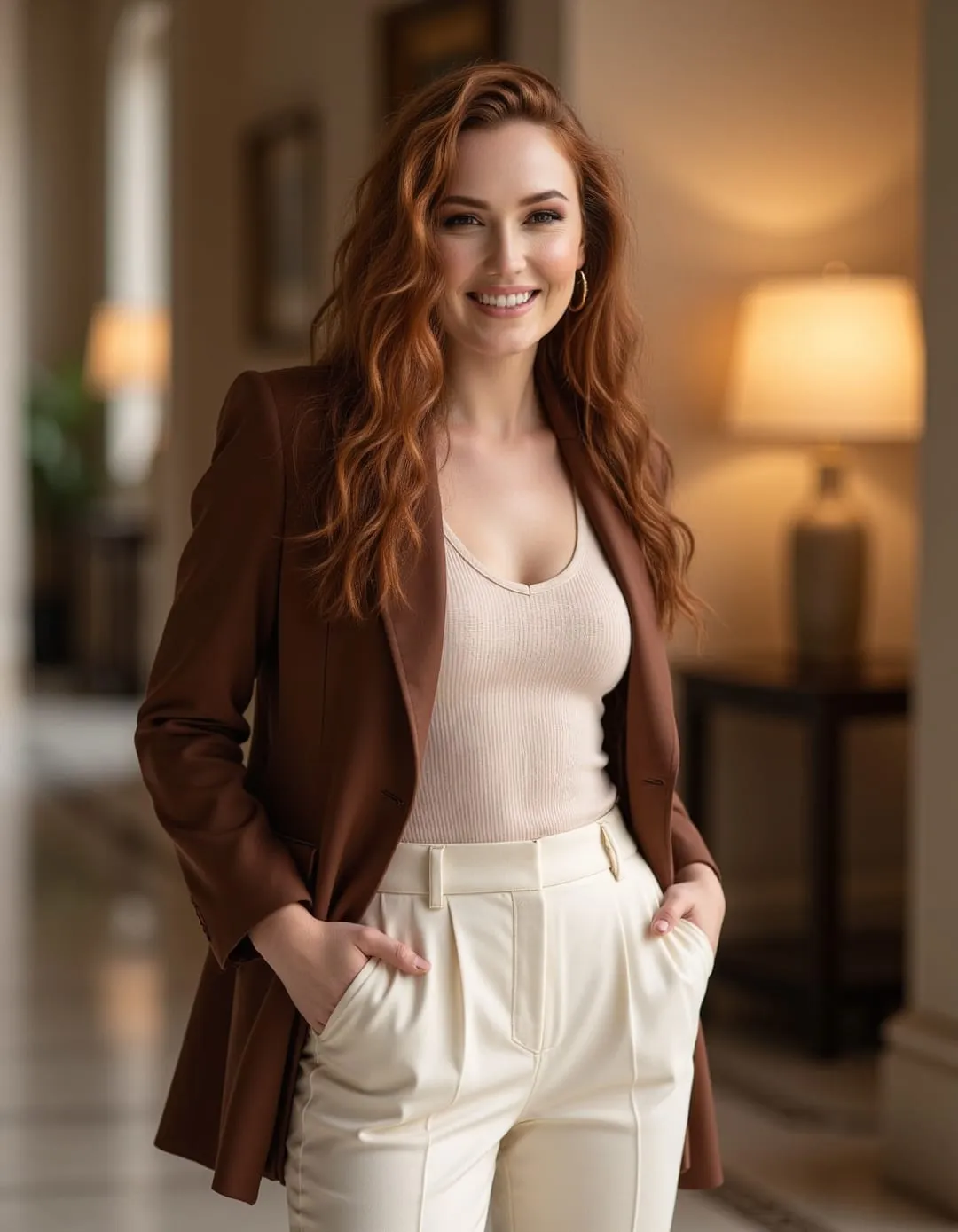
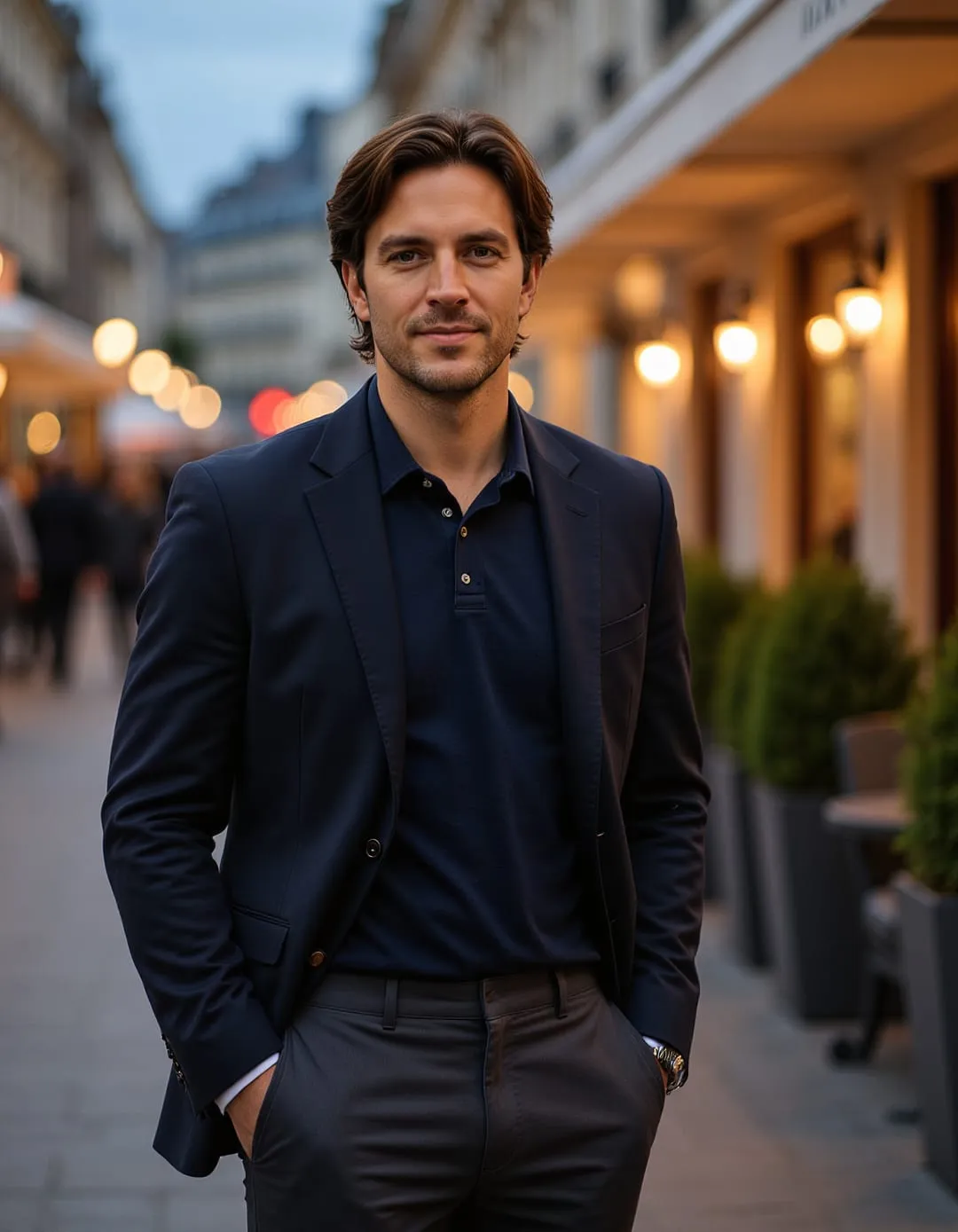
35+ photos · $34.99 USD · one time
Ready to create your linkedin headshots?
Upload 4–10 recent photos and get a complete, purpose-built collection that still looks like you.
Create My LinkedIn Headshots